 9800+ TRUSTPILOT REVIEWS


 EN
EN DE
DE FR
FR NL
NL
Most people spend more time in their office chair than in any other piece of furniture in their home. A poor choice compounds over thousands of hours. The right one becomes something you stop noticing, in the best way.
The office chair market has split into two very different categories: chairs built for ergonomics in commercial offices, and chairs built for home office spaces where comfort, aesthetics, and how the chair looks on a video call all matter equally. Neither category is obviously superior. The right chair depends entirely on how long you sit, what your body needs, and what your space demands.
This guide covers the ergonomic adjustments that actually matter (and the ones that are mostly marketing), the difference between upholstered fabric, faux leather, velvet, and bouclé and what each delivers in practice, how to set a chair correctly for your desk height, what to look for if you have lower back problems, and how to choose an office chair that also works as a home office design piece rather than a functional eyesore.
Furnicher has helped over 50,000 customers furnish their home offices across Europe. Our office chair collection ranges from design-forward upholstered chairs in velvet and bouclé to practical fabric task chairs and ergonomic models with full adjustment for all-day sitting.
The adjustments that matter and the ones that do not
Most office chairs list six to twelve adjustable features. In practice, five of them determine whether the chair supports you properly over a long working day. The rest are minor refinements.
- Seat height: the most important adjustment. Feet flat on the floor, thighs roughly parallel, elbows at or just below desk level. If a chair cannot get to the right height for your body and desk combination, no other feature compensates.
- Lumbar support height: should press gently into the natural inward curve of your lower back, not your mid-back. Adjustable height lumbar lets you position it precisely. Fixed lumbar is a gamble on whether it hits the right spot for your torso length.
- Seat depth: the edge of the seat should sit 3 to 5 cm away from the back of your knees. Too deep and the edge cuts into circulation; too shallow and your thighs are unsupported. Seat depth adjustment is underrated and often missing from lower-priced chairs.
- Armrest height: elbows should rest naturally with shoulders relaxed, not hunched or drooping. Wrong armrest height causes the neck and shoulder tension that people incorrectly attribute to screen height.
- Recline tension: the ability to lean back slightly (10 to 15 degrees) under light resistance reduces spinal disc pressure more than sitting rigidly upright. A lockable recline is useful for calls when you want to sit back without the chair tilting freely.
Features that matter less than marketed: headrests (useful only for very specific tasks or very tall users), footrests built into chairs (a separate footrest positioned correctly does more), and "dynamic sitting" mechanisms that require constant micro-movement (tiring for most people after an hour).
Three categories, three different use cases
The right office chair type depends on how many hours you sit per day and what your room needs to look like.
Design office chair
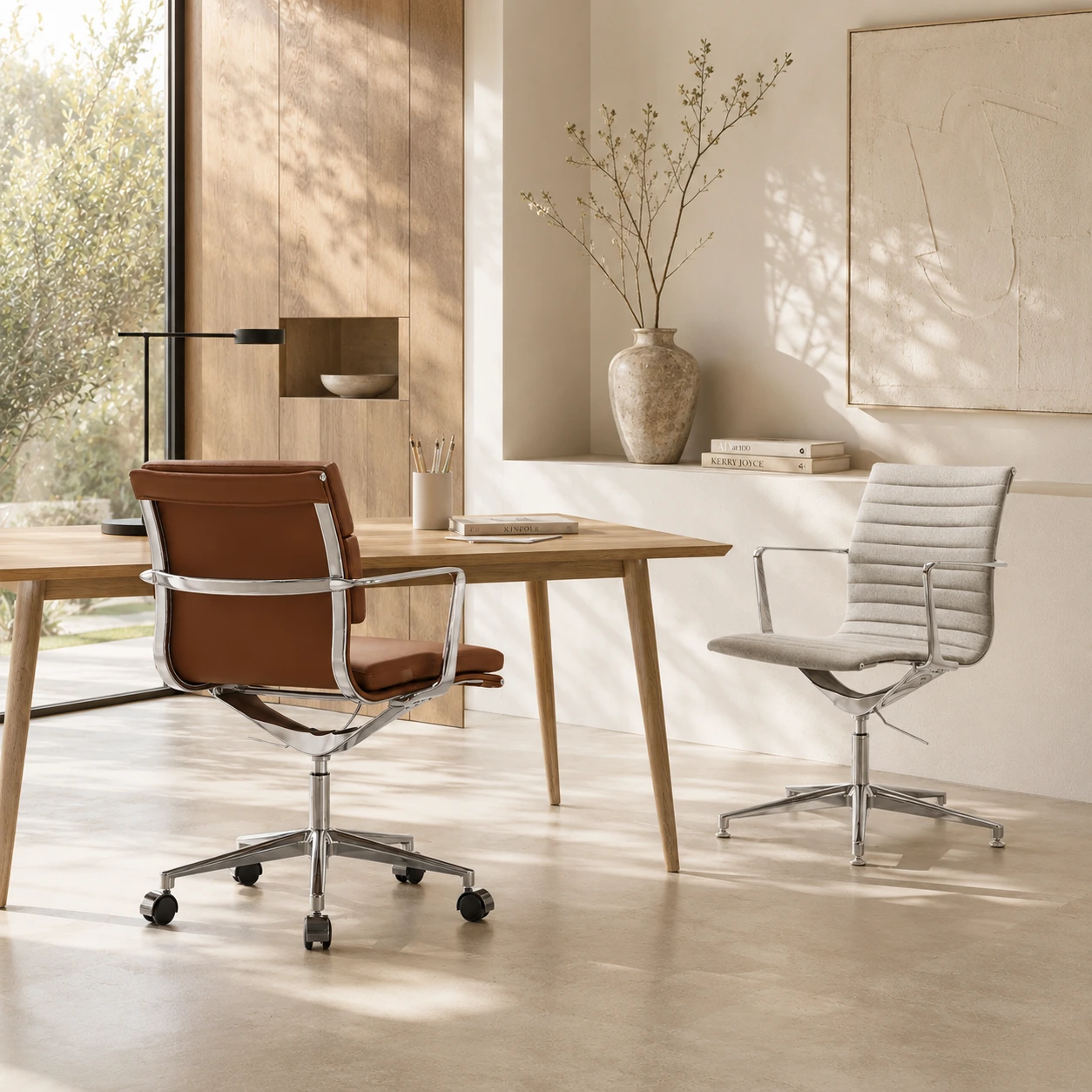
Upholstered in premium fabrics and finishes: deep-toned velvet, textured bouclé, cognac faux leather. These chairs treat the desk as a piece of furniture in the room rather than imported office equipment. Seat height and basic recline are standard; some models add lumbar padding and height-adjustable armrests.
The right choice when the desk lives in a bedroom, living room, or any space where visual coherence matters as much as adjustability. For 2 to 5 hours of daily use, a well-made designer office chair is entirely adequate. Browse design office chairs at Furnicher.
Upholstered fabric chair
Foam-padded seat and back covered in fabric, bouclé, or velvet. Warmer in winter, softer initial feel. The foam compresses over years: expect noticeably less seat support after 5 to 8 years of full-day use, sooner if the user is heavier. High-density foam extends this significantly. Fabric varies widely: bouclé and wool blends last longer and look better longer than basic polyester weaves.
Best choice when the chair is in a room that doubles as a bedroom, living space, or studio. The visual language is furniture, not equipment. Upholstered office chairs in neutral tones disappear into almost any interior.
Ergonomic task chair
The fully adjustable end of the spectrum: independent lumbar support height and depth, seat depth adjustment, 4D armrests, and recline tension control. Every variable that affects your posture over a long sitting session can be dialled in precisely for your body and desk height.
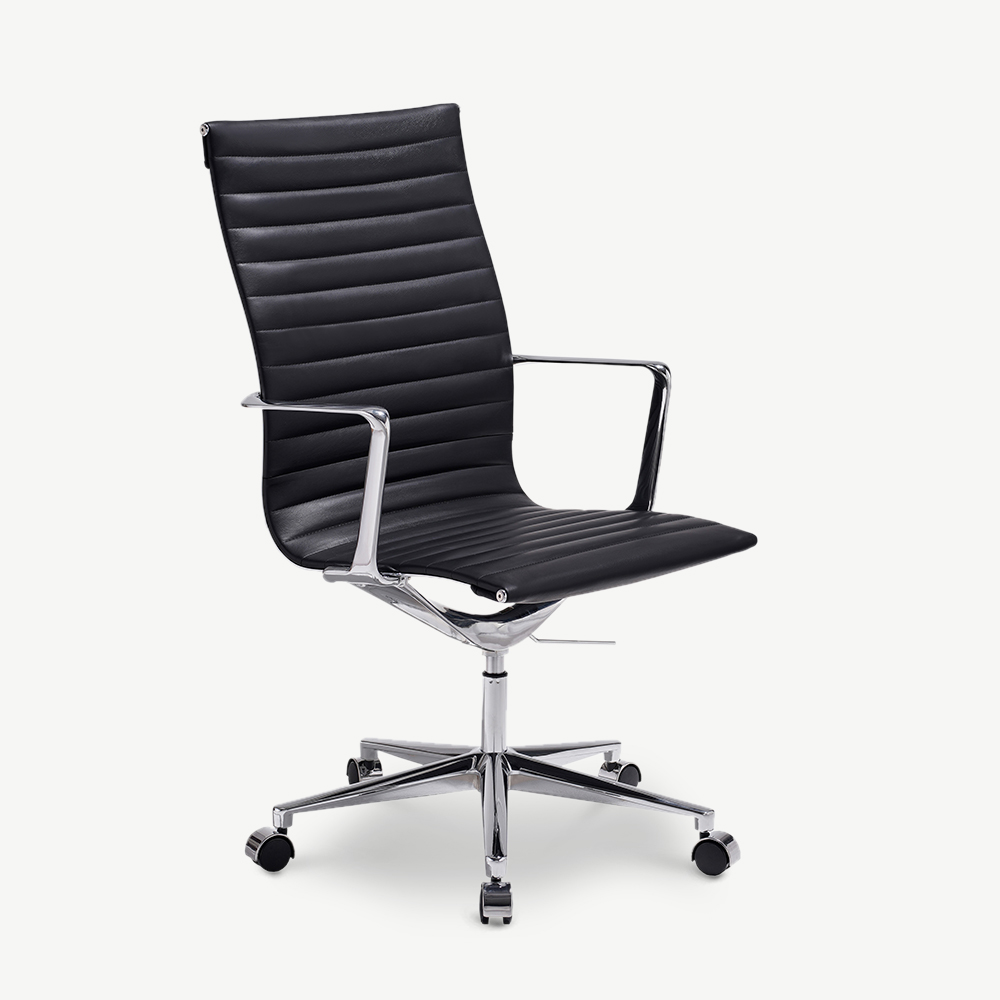
Best choice for a dedicated home office used 6 to 8 hours per day, or for anyone with chronic lower back issues where ergonomic precision is not optional. See our ergonomic office chair guide for the full breakdown of adjustments. The visual profile tends toward the functional rather than the interior-forward, though upholstered task chairs have narrowed this gap considerably.
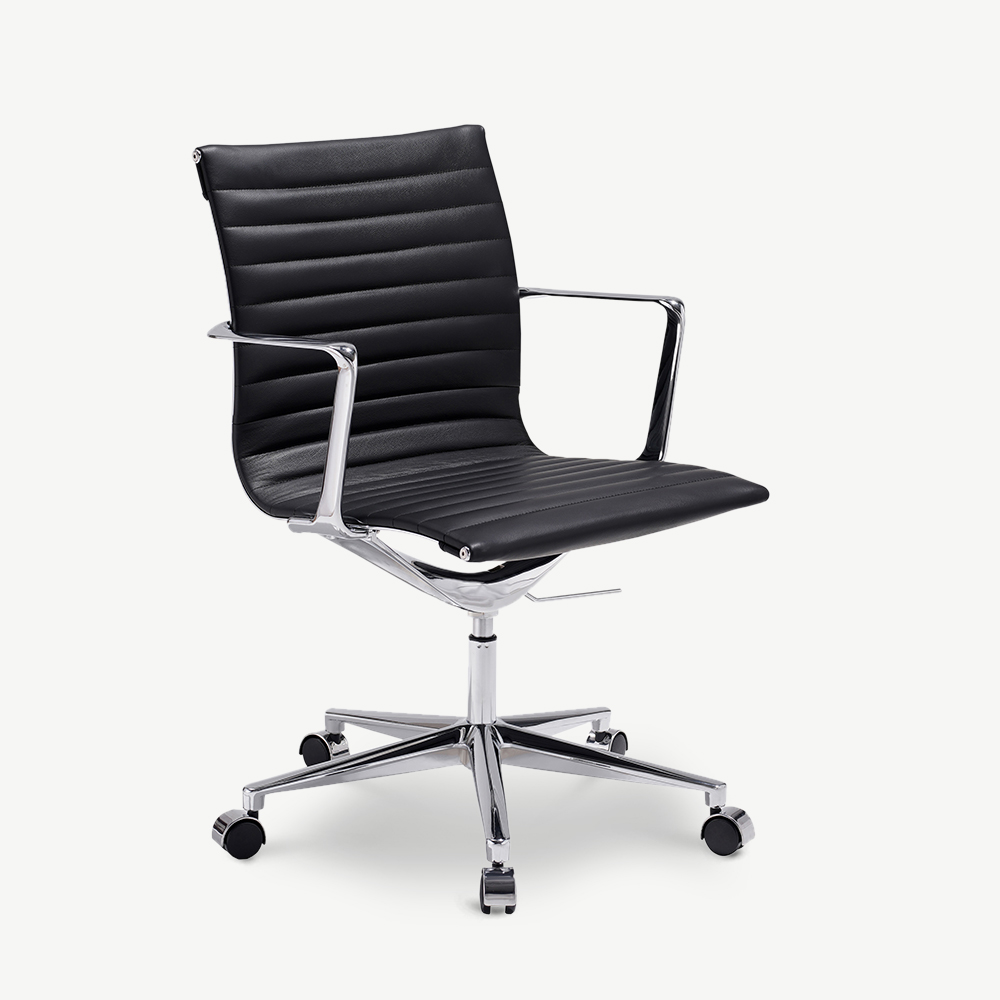
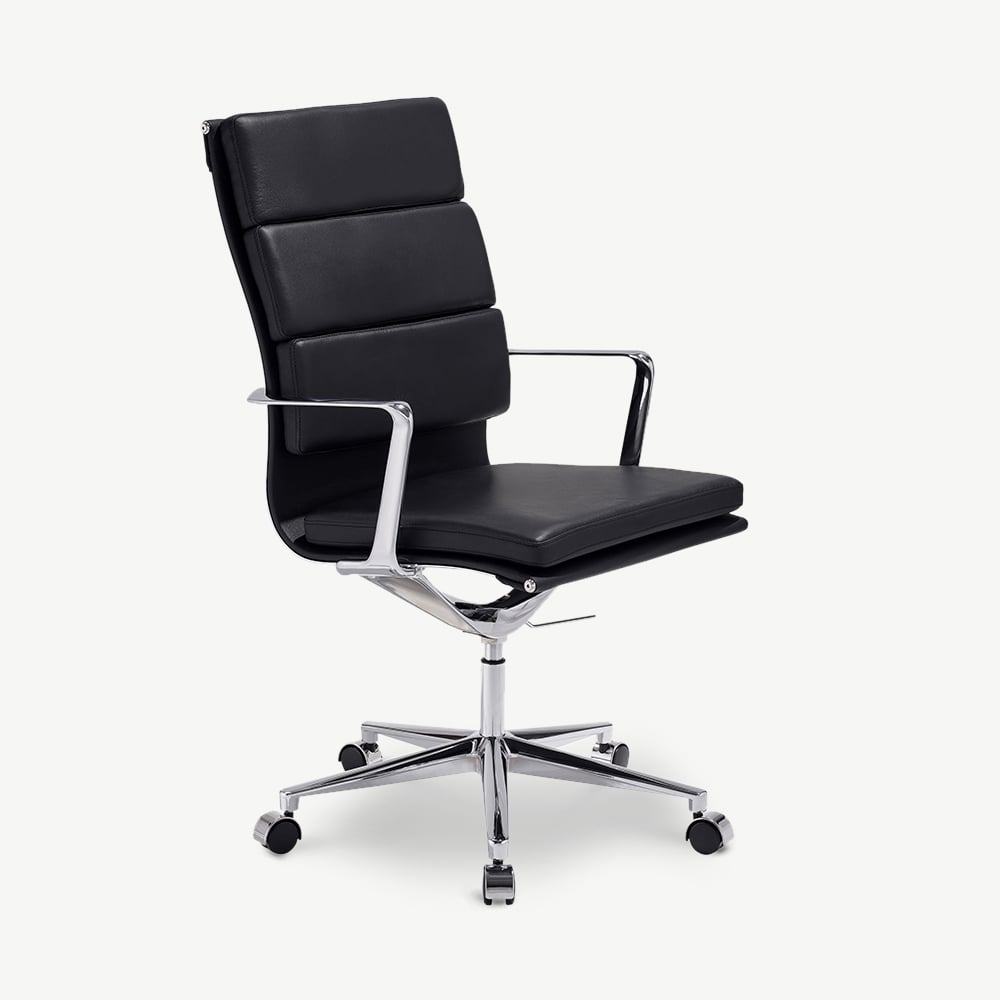
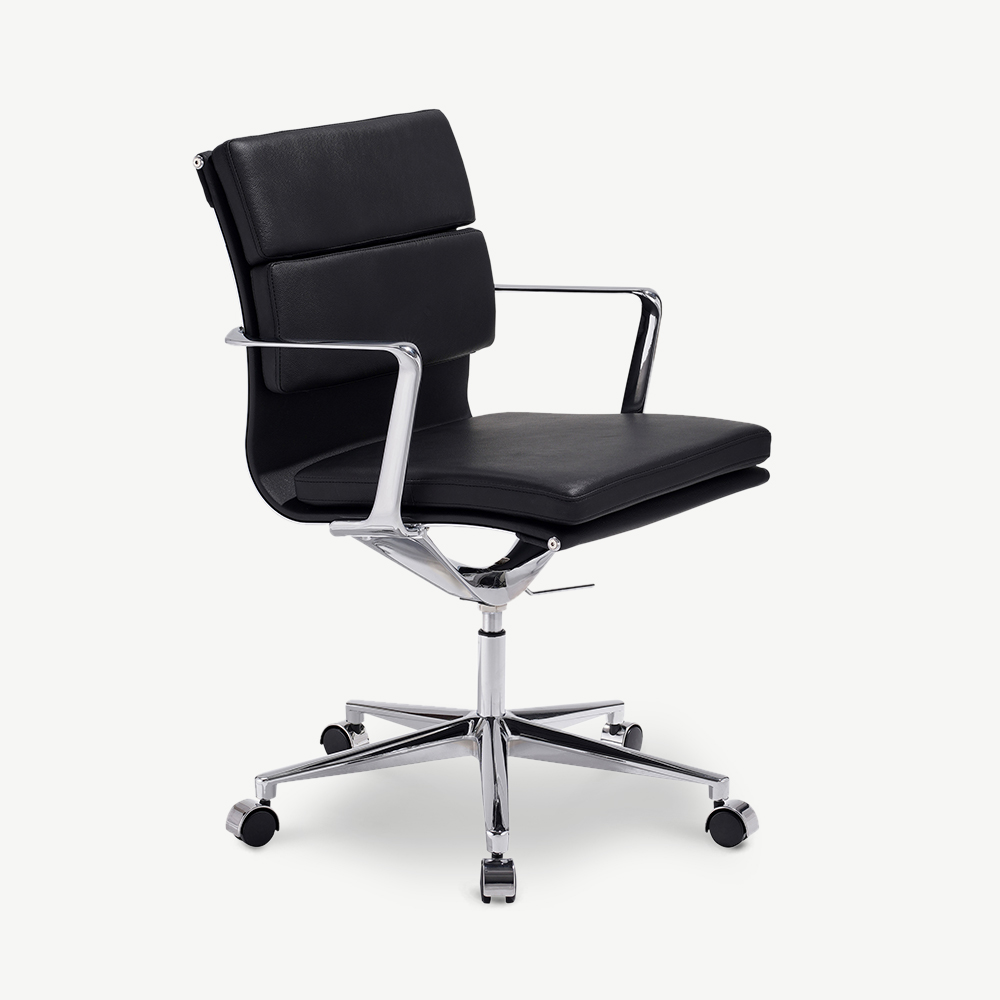
Featured in this guide

Getting your chair and desk height right from day one
The most ergonomically advanced chair in the world underperforms if it is set at the wrong height. The correct setup takes five minutes and the difference in how you feel after six hours of work is significant.
The basic principle: sit in the chair with your feet flat on the floor. Your thighs should be roughly parallel to the floor or angled slightly downward toward your knees. Your elbows, when your arms hang naturally at your sides, should be at or just below the height of your desk surface. If they are not, adjust the chair first, then consider a monitor riser or keyboard tray to bring the desk equipment to the right level.
Desk height vs chair height: Most fixed desks are 73 to 76 cm. Adjustable (sit-stand) desks go to 120 cm or more. The table below shows the correct chair seat height range for different desk heights and user heights. These are starting points; fine-tune to your body. For a full walkthrough, see our office chair height guide.
| Desk height | User height | Target seat height | Monitor distance |
|---|---|---|---|
| 73 to 75 cm | 155 to 165 cm | 42 to 45 cm | 50 to 60 cm |
| 73 to 75 cm | 165 to 180 cm | 45 to 50 cm | 55 to 65 cm |
| 73 to 75 cm | 180 to 195 cm | 50 to 55 cm | 60 to 70 cm |
| 76 to 80 cm | 165 to 180 cm | 47 to 52 cm | 55 to 65 cm |
| 76 to 80 cm | 180 to 195 cm | 52 to 58 cm | 60 to 70 cm |
Monitor height: the top of your screen should be at or just below eye level. If you are looking up at the screen, your neck muscles are working continuously to hold that position, which is the primary cause of end-of-day neck strain in home office workers. A monitor riser or arm solves this in most setups for under 50 euros.
If your feet do not reach the floor: at the correct seat height for your desk, add a footrest rather than raising your chair until your feet touch the floor. Raising the chair to reach the floor but sitting too low relative to the desk puts your shoulders in a permanently elevated position.
Fabric, leather, or velvet: what each delivers over years of daily use
The material you sit against for hours every day affects temperature, longevity, cleaning effort, and how the chair feels in year five compared to year one. These are the honest differences.
- Upholstered fabric seat and back: the most comfortable initial feel, and the most versatile visual option. The foam compresses over years: expect noticeably less seat support after 5 to 8 years of full-day use. High-density foam extends this timeline significantly. Fabric quality matters enormously: bouclé and wool blends last longer and look better than basic polyester weaves.
- Faux leather (PU) or bonded leather: easy to wipe clean, premium look, warm in winter. Begins to crack at stress points (seat edges, armrest joints) after 4 to 7 years. Genuine leather lasts significantly longer but requires conditioning and costs more. PU leather in a home office used 4 hours per day lasts longer than PU leather in a commercial office used 8 hours per day.
- Velvet upholstery: the design-forward option for home offices where the chair is as much a room element as a work tool. Beautiful against timber, linen, and neutral walls. Shows wear at seat edges and armrest contact points after 3 to 5 years of daily use. Excellent for home office sessions of 2 to 5 hours; not the right choice for all-day sitting.
- Bouclé upholstery: more resilient than velvet, with a textured, contemporary look that has become a signature of the modern home office. The looped yarn construction hides minor wear better than smooth fabrics. Pairs well with natural wood desks and warm-toned interiors. Good for up to 5 to 6 hours of daily use.
Making the office chair work for your space
The home office presents a challenge that a commercial office does not: the chair needs to be ergonomic enough for productive work and visually coherent enough for a room that also serves other purposes. These four considerations help navigate that.
Design-forward, ergonomic, and built to last
From velvet and bouclé design chairs for home offices that deserve better than generic equipment, to fully adjustable task chairs for all-day sitting: the full range in one place, with free delivery and returns across Europe.
Every chair in our collection ships with full adjustment specifications. Same-day dispatch on in-stock items. Klarna available to split the payment over time.
Go deeper on a specific office chair topic
The articles below expand on the colours, materials, ergonomics, and setup questions covered in this guide.
- How to choose an office chair: the full step-by-step decision framework.
- Ergonomic office chair guide: every adjustment that matters and why.
- Office chair height guide: getting your seat and desk height exactly right.
- Office chair for back pain: features that matter when your lower back hurts.
- Office chair warranty and lifespan: how long chairs really last and what is covered.
- Home office chair: choosing a chair that works in a multi-purpose room.
- Leather office chair: real leather, bonded leather, and PU compared.
- Designer office chair: design-led options for visible home offices.
- White office chair, black office chair, beige office chair, and pink office chair: colour deep-dives for each finish.
Office chair questions, answered
What seat height should an office chair be?
Office chair seat height should be set so your feet rest flat on the floor and your thighs are roughly parallel to it, or angled very slightly downward toward your knees. For most adults at a standard 75 cm desk, this means a seat height between 45 and 52 cm. The goal is to have your elbows at or just below desk level when your arms are relaxed at your sides. If your feet do not touch the floor at this height, use a footrest rather than lowering the chair below the ergonomic threshold for your desk height.
What is the difference between a task chair and an ergonomic chair?
A task chair is a basic adjustable swivel chair: seat height adjusts, it rolls, and it has some padding. That is the minimum. An ergonomic chair adds meaningful adjustability: lumbar support with independent height and depth adjustment, seat depth adjustment (so you can change how far forward the seat cushion extends), armrest height and often angle adjustment, and usually a recline mechanism with tension control. For sessions over 4 hours per day, ergonomic features matter significantly. For 1 to 2 hours per day, a well-fitted task chair or design chair is adequate.
What is the difference between a design office chair and an ergonomic task chair?
A design office chair prioritises aesthetics alongside comfort: upholstered in velvet, bouclé, or premium faux leather, with seat height and basic recline as the main adjustments. It works well in a home office used 2 to 5 hours per day and integrates visually into rooms that serve multiple purposes. An ergonomic task chair adds full adjustability: independent lumbar support height and depth, seat depth, 4D armrests, and recline tension control. If you sit more than 6 hours per day or have specific postural requirements, the additional adjustability matters. For typical home office use, a well-chosen design chair is entirely adequate.
How long does a good office chair last?
A well-made office chair lasts 8 to 15 years with normal use. The first component to fail is usually the gas cylinder (the pneumatic height adjustment mechanism), which can be replaced independently on most chairs for under 30 euros without professional tools. The foam in the seat compresses over 5 to 8 years of full-day daily use and provides less support; for home office use at 3 to 4 hours per day, this timeline extends to 8 to 12 years. The casters are the second most likely wear item; they can also be replaced. The upholstery fabric itself rarely fails before the mechanical components if cared for correctly.
Do I need armrests on an office chair?
For sessions over 2 to 3 hours, armrests reduce shoulder and neck tension by supporting the weight of your arms, which is more significant than it sounds: the arm-shoulder complex weighs roughly 5 kg per side, and holding that weight without support for hours creates cumulative fatigue. The critical caveat is adjustability: armrests fixed at the wrong height actively make things worse by forcing your shoulders into an unnatural position. Basic height-adjustable armrests are the minimum useful specification. 4D armrests (height, width, depth, pivot angle) are the most flexible and useful for people who switch between typing and writing.
Can an office chair be stylish in a home office?
Yes, and it should be. The assumption that office chairs are inherently utilitarian is outdated. Upholstered chairs in velvet, bouclé, and premium faux leather now offer aesthetics that match bedroom, living room, and studio spaces without compromising the basic ergonomic adjustments needed for productive work. The key is treating the desk chair as furniture rather than equipment: it occupies significant visual space in the room, particularly on video calls, and it deserves the same consideration as any other piece in the space.
What should I look for in an office chair for lower back pain?
Adjustable lumbar support is the most important feature: it should press gently against the natural inward curve of your lower back (the lumbar lordosis), not your mid-back. The height should be adjustable independently so you can position it correctly for your torso length. Seat depth adjustment is the second most important feature: if the seat extends too far, the edge cuts into the circulation behind your knees, which causes the seated lower back tightness many people incorrectly attribute to the chair back. If a chair offers only lumbar support height adjustment and seat height, that covers the two most impactful variables. Recline tension adjustment helps by allowing slight backward lean, which reduces spinal disc pressure compared to sitting rigidly upright.
