 9800+ TRUSTPILOT REVIEWS


 EN
EN DE
DE FR
FR NL
NL
"Ergonomic" is one of the most overused words in office furniture. Search the term and you get chairs from €99 to €1,500, all making the same claim. Most of that range either lacks the adjustments that actually matter, or piles on adjustments the buyer never uses.
This guide separates the claims from the mechanics. It covers what the research actually shows about back-pain prevention, the EN 1335 and BIFMA standards that signal a real ergonomic chair (rather than a marketing label), the five adjustments that do most of the work, and a 5-minute setup procedure that turns any decent chair into a chair that fits you. By the end you should know what to spend, what to look for, and how much of the "ergonomic" marketing to ignore.
What the research actually says
Workplace ergonomics studies (notably the Cochrane reviews of 2019 and 2022 on sedentary work and lower back pain) converge on a measured conclusion: well-adjusted chairs reduce musculoskeletal complaints by around 17 to 32 percent in office workers, but they are one of several factors, not the dominant one.
The bigger predictors of back pain are sitting time without a break, screen height (causes neck flexion, which radiates down), and overall posture variety. A €700 chair used for 9 hours without moving causes more strain than a €299 chair used for 4 hours with regular breaks. The chair sets the floor; your habits set the ceiling.
- Take a 5-minute walking break every 45 minutes: more impact than any single chair adjustment
- Set the screen so the top edge is at eye level: prevents the neck flexion that radiates into thoracic strain
- Recline 5 to 10 degrees for half the day: varies disc loading, the single most studied variable
EN 1335 and BIFMA, in plain English
Two standards do most of the work of separating real ergonomic chairs from marketing copy. Anything that meets these is a serious office chair; anything that does not is not, regardless of the language on the product page.
EN 1335 (Europe)
European norm for office chairs. Part 1 sets dimensions (seat height range, depth, backrest height) for three body sizes, A, B and C. Part 2 covers safety. Part 3 covers durability testing: 100,000 backrest movements, 200,000 seat-tilt cycles, 30,000 castor revolutions. A chair that passes is built for 8-hour days, 5 days a week, for at least 10 years.
BIFMA X5.1 (US)
The American equivalent, often referenced on chairs imported into the EU. Similar load tests (test users up to 136 kg, durability cycles up to 300,000), comparable scope. If a chair lists BIFMA but not EN 1335, the construction is usually fine; check the gas-lift class separately.
DIN 4550 (gas lift)
Independent of the chair frame, the gas lift has its own class. Class 4 is the minimum for daily use, rated for users up to 150 kg with safety margins. Class 3 lifts (rated up to 100 kg) fail earlier and are common in budget chairs under €150.
Featured in this guide

What actually matters, and what is noise
Cut through the spec sheet. These five adjustments cover 90 percent of the ergonomic benefit. The rest is refinement, useful for some bodies, irrelevant for most.
| Adjustment | Why it matters | Priority |
|---|---|---|
| Seat height (gas lift) | Feet flat, knees just below hips | Essential |
| Seat depth (slider) | 2-3 fingers between seat and knee | Essential |
| Lumbar support (height & depth) | Matches your lower-back curve | Essential |
| Armrest height (1D minimum) | Shoulders down, elbows at 90 degrees | Essential |
| Recline tension | 5 to 10 degree posture variety | Essential |
| Armrest 4D (pivot & depth) | For atypical desk widths | Nice to have |
| Headrest | Reduces neck load if you recline | Optional |
| Seat-pan tilt (0 to 4 degrees) | Forward tilt for focused desk work | Specialist |
The trap with high-end chairs is paying for adjustments you set once and never touch. Most users tune their chair in the first week, leave it alone for years. That is the right behaviour. Save the budget for the five that matter.
Five-minute adjustment, once and done
This is the procedure ergonomic-certified office assessors run when they visit a workplace. It takes five minutes the first time, two minutes when you replace the chair, and is what 80 percent of "I bought the chair but my back still hurts" really needs.
What to spend, and what not to spend
€299 to €499 buys a daily-driver ergonomic chair with all five core adjustments and a 10-year frame warranty.
Under €200: static chair with optional armrests; useful for short sessions but not 8-hour days. €299 to €499: practical range, all five adjustments, EN 1335 compliant, gas lift Class 4. €499 to €799: 4D armrests, lumbar depth adjustment, mesh back, 12-year warranty. Above €1,000: diminishing returns for most office workers, unless you have specific medical needs (chronic lumbar disc issues, scoliosis, post-surgery recovery), in which case a fitted clinical chair is a separate category.
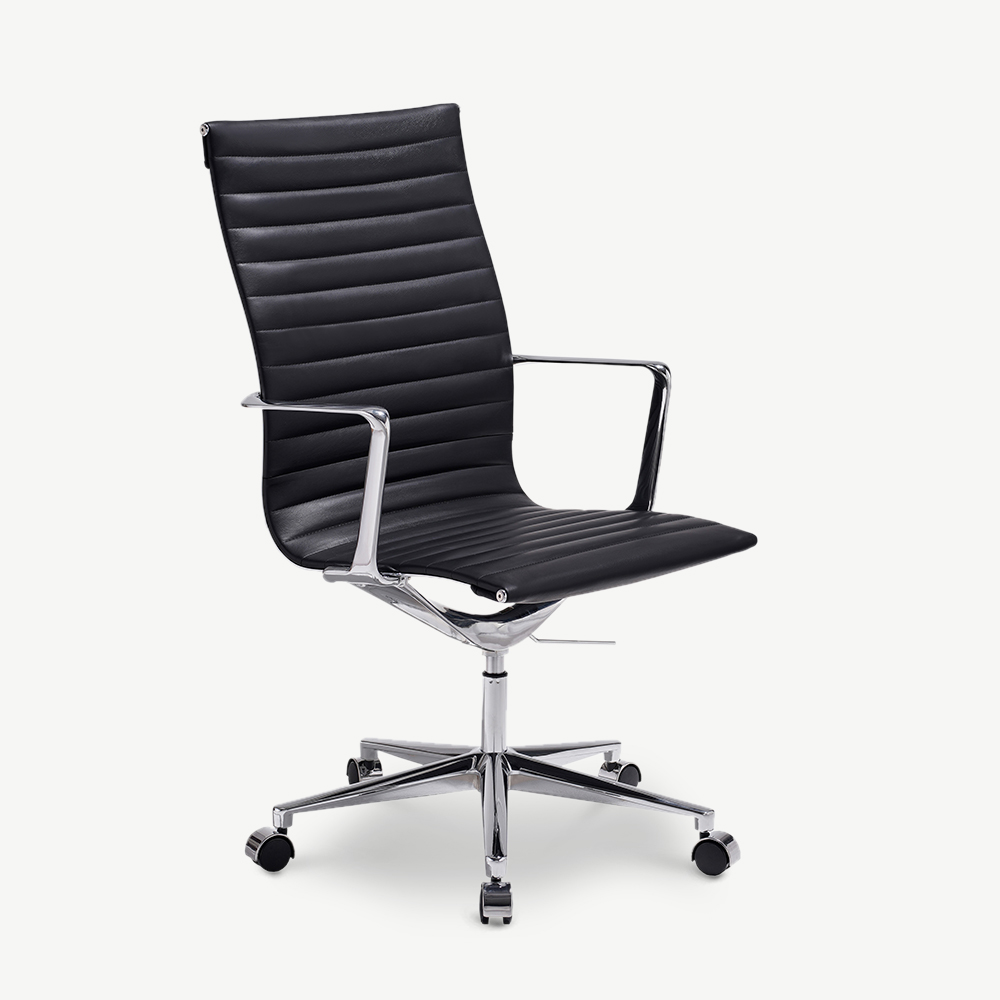
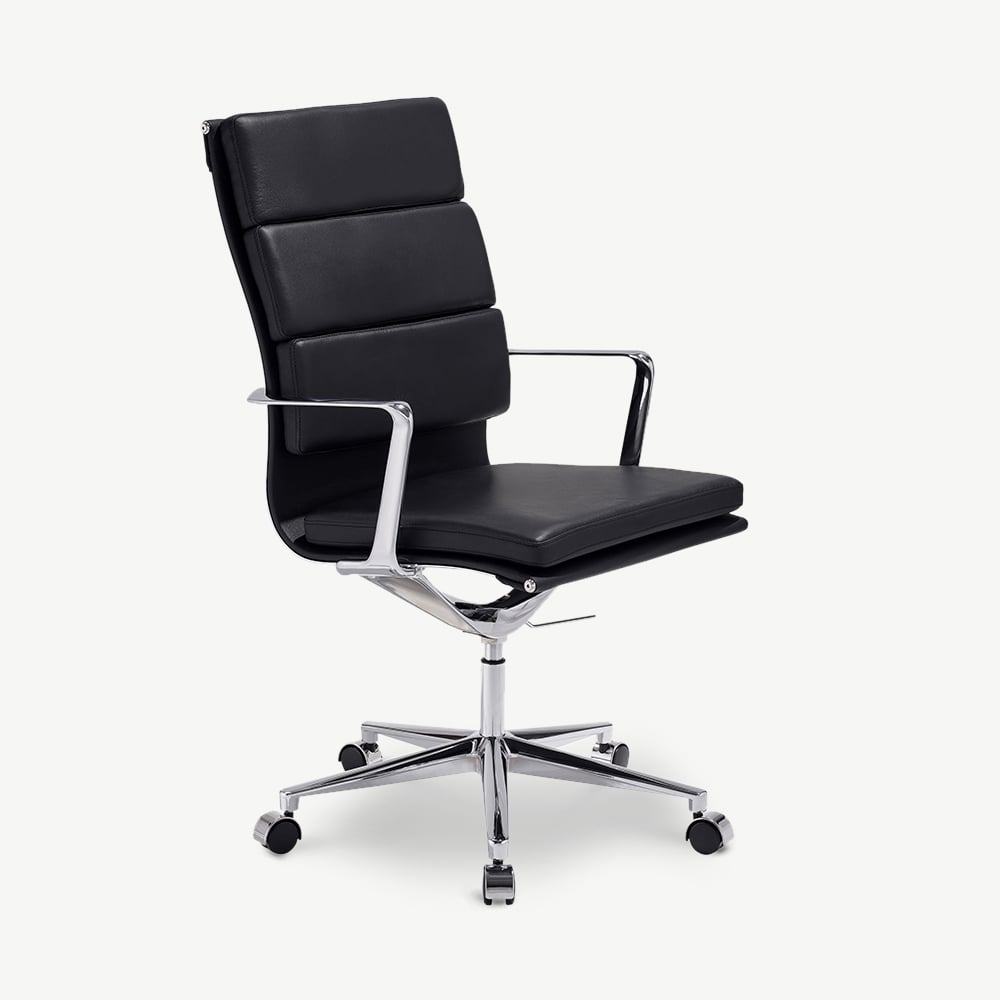
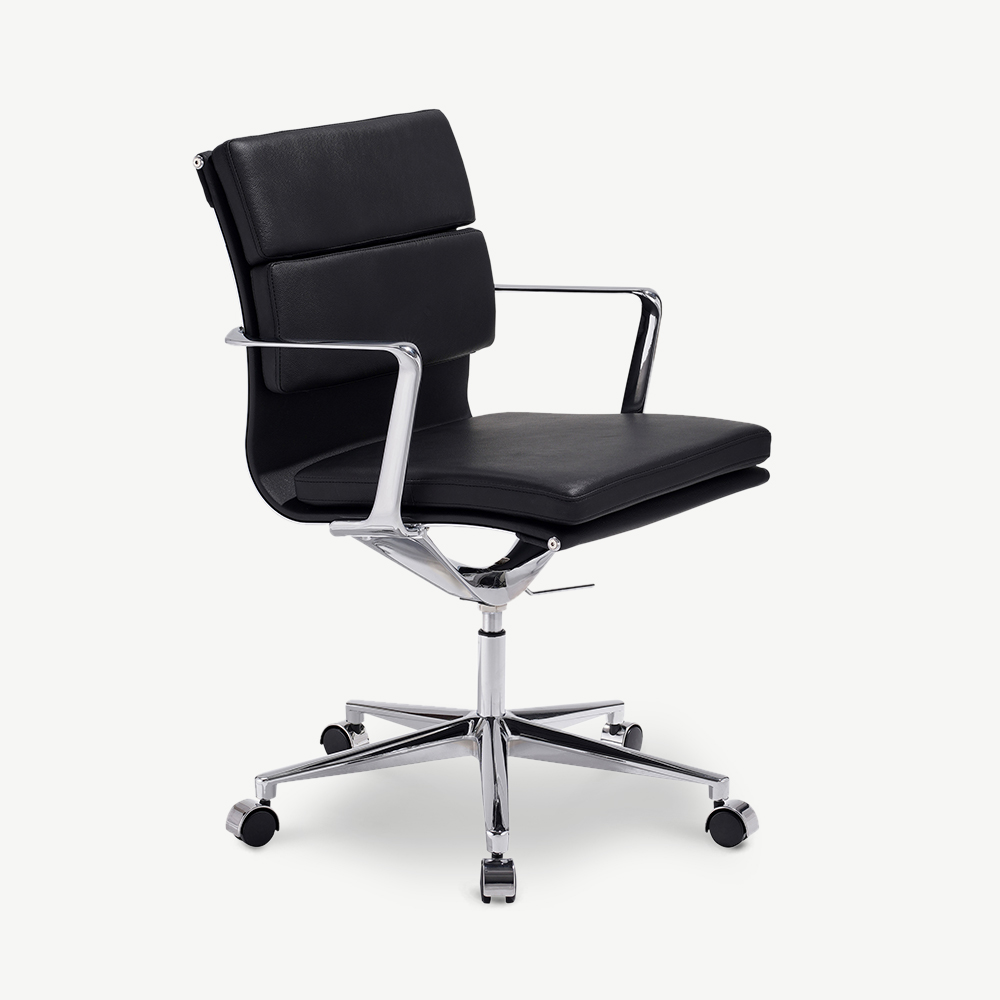
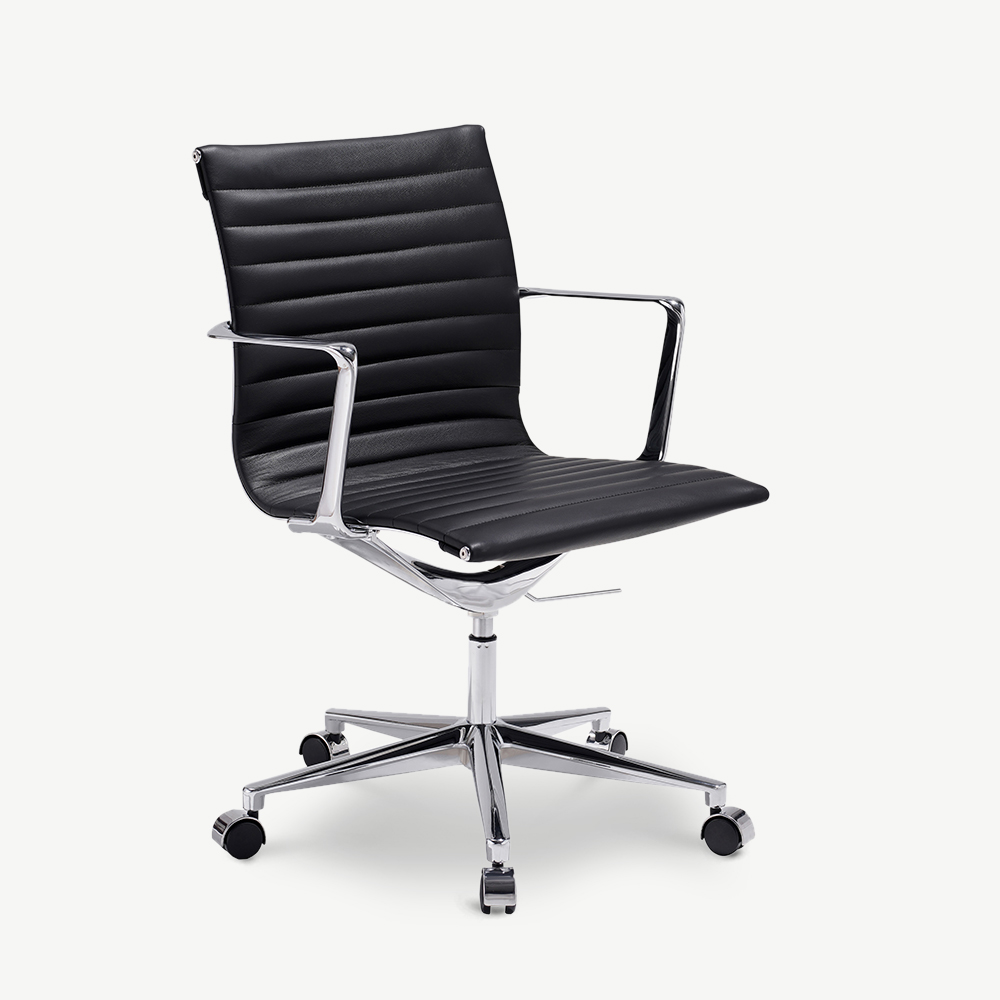
See our ergonomic office chair selection from €299 to €799, all EN 1335 compliant. Pair with our office chair buying guide for the wider context, or compare against leather office chairs if formal aesthetic matters. For style-led setups, the Japandi collection includes desks that suit a clean ergonomic chair.
Frequently asked.
Does an ergonomic office chair actually prevent back pain?
Partly. Research shows a well-adjusted chair reduces musculoskeletal complaints by around 17 to 32 percent compared with non-adjustable chairs, but the chair alone is not the fix. Movement (a 5-minute break every 45 minutes) and posture variety (sit, recline, stand) do more than any single chair design.
What standards should an ergonomic office chair meet?
EN 1335 (the European office chair standard, parts 1, 2, and 3) covers dimensions, safety and durability for daily office work. BIFMA X5.1 is the US equivalent, often cited on imported chairs. For the gas lift, look for DIN 4550 Class 4 rated up to 150 kg. These are minimums for a chair used 8 hours a day.
What is the difference between a task chair and an ergonomic chair?
A task chair has the basic five adjustments (height, depth, recline, armrest height, tilt tension). An ergonomic chair adds more: 4D armrests, independent lumbar height and depth, seat-pan tilt, headrest. Whether the extras help you depends on your body and your hours. Most office workers feel the difference between zero adjustment and five, and a smaller difference between five and ten.
How much should I spend on an ergonomic office chair?
Under €200, you get a static chair with optional armrests; useful for short sessions but not for 8-hour days. €299 to €499 is the practical range for a daily-driver ergonomic chair with all five core adjustments. €499 to €799 buys 4D armrests, lumbar depth adjustment, mesh back, and 12-year warranties. Above €1,000 is diminishing returns unless you have specific medical needs.
Are mesh-back chairs better than upholstered backs?
For temperature, yes: mesh breathes, fabric and foam trap heat. For lumbar support, it depends on the mesh tension and shape. Cheap flat mesh provides little contour; well-formed mesh with a separate lumbar pad supports as well as good foam. The real question is climate and adjustability, not material category.
How often should I adjust my chair?
Set it once carefully when the chair arrives, then revisit if your desk, your shoes (heel height changes seat height), your weight or your work pattern shifts. Most users tune their chair the first week, then leave it alone for years. That is fine if the initial setup was right.
